

TL;DR

Get travel and outdoor gear delivered free — and shop member deals
- Fast, free delivery on millions of items
- Access to Prime Big Deal Days deals on October 6–7
- Prime Video, Amazon Music and more included
This article explains how a single video can produce a full set of publish-ready assets on your own hardware. It emphasizes privacy, automation, and control—no cloud dependency required. Expect faster workflows and more ownership over your content.
Ever spend hours repackaging a single video into multiple formats, posts, and assets? If so, you’re not alone. The real work begins after filming: titles, thumbnails, clips, descriptions, social snippets—and it often feels like a never-ending treadmill.
Imagine a system that takes one video and automatically creates everything you need—without relying on the cloud. No subscriptions, no third-party servers—just your own hardware doing the heavy lifting. Sounds like a dream? It’s becoming reality with local-first video automation tools that put you in control.
In this article, I’ll walk you through how these tools work, what they generate, and why they might be the game-changer you’ve been waiting for. Plus, I’ll show you the tradeoffs and how to get started.
Key Takeaways
- Local-first video automation turns one source into a full publishing kit—no cloud required.
- You retain full control and privacy over your content, ideal for sensitive or confidential projects.
- The process is fast; assets like titles, clips, and thumbnails are generated while you review, not after waiting hours.
- It works on standard hardware, with no recurring cloud fees, saving money over time.
- Best for solo creators, small teams, or organizations needing high privacy and rapid turnaround.
As an affiliate, we earn on qualifying purchases.
How a Local Video Tool Understands Your Content Better Than Cloud Apps
Most cloud-based tools only transcribe your speech. But local-first systems like ChannelHelm go much deeper. They analyze audio, visuals, and on-screen text to understand your video on four levels. Think of it as the difference between reading a script and actually understanding a scene.
For example, if you give it a product review, it recognizes the speaker, detects when they mention a feature, and identifies key visual cues—like a product shot or a chart. This layered understanding lets it craft assets that truly match your content’s essence.
By delving into multiple aspects of your video, these tools enable more precise asset generation, reducing the need for manual editing and increasing relevance. However, this deeper analysis requires more processing power and sophisticated algorithms, which can be more resource-intensive. The tradeoff is that you get higher-quality, contextually accurate assets—saving time and improving engagement—at the cost of initial setup complexity. Understanding your content at this level means you can tailor your assets more effectively, but it also means the system must be finely tuned to your specific use case to avoid misinterpretations.
According to experts, such multi-layer analysis results in better, more relevant outputs—titles, clips, and summaries that hit the mark every time.

As an affiliate, we earn on qualifying purchases.
Step-by-Step: How One Video Becomes a Full Publishing Kit
- Drop or Link: Drop your video file or paste a YouTube link. The system automatically detects the source and gathers all necessary info.
- Understand: Background workers analyze audio, visuals, and text, then fuse these signals into a unified scene log. This process is crucial because it forms the foundation for all subsequent asset generation. By understanding the content at multiple levels, the system ensures that thumbnails, clips, and descriptions are not just random snippets but contextually relevant pieces that resonate with viewers. The tradeoff here is that this analysis can be computationally demanding, potentially slowing down processing times on less powerful hardware. Yet, this investment pays off by producing assets that are more aligned with your video’s core message, reducing the need for manual adjustments later.
- Review: In the Studio, you see the drafted assets—titles, clips, thumbnails, descriptions. You can edit, regenerate, or approve each one.
- Dispatch: Once approved, the system publishes everything to your chosen platforms, tracking each asset’s progress.
It’s a streamlined process that turns a single upload into dozens of assets, ready to go, all on your own hardware. For more insights on local video automation, visit this related article. No waiting for cloud processing, no external servers—just fast, private automation.
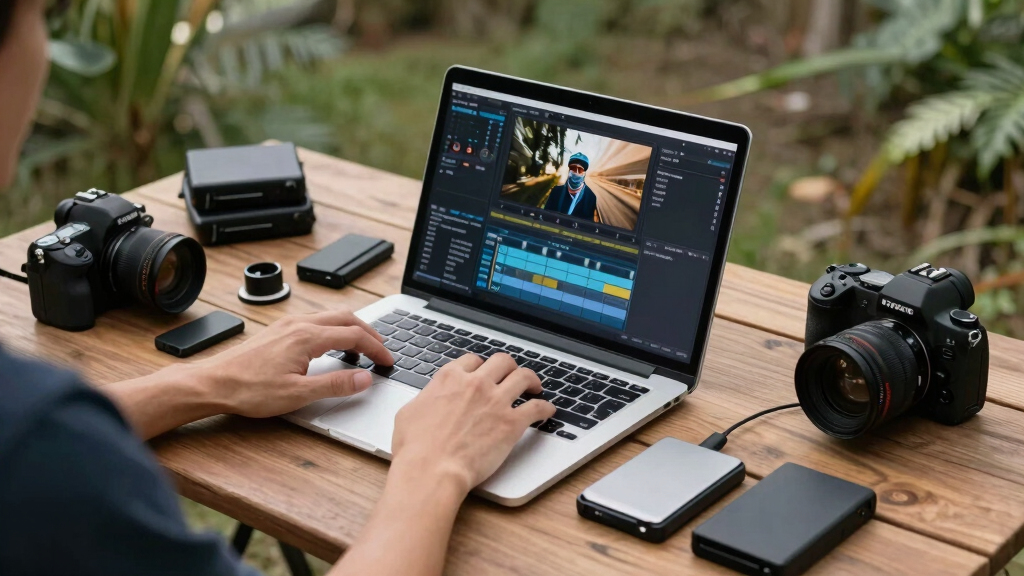
video thumbnail creator software
As an affiliate, we earn on qualifying purchases.
As an affiliate, we earn on qualifying purchases.
What Exactly Comes Out of a Single Video? The Complete Publishing Kit
From one video, you get a suite of assets—each tailored for different platforms and purposes. Here’s a quick comparison:
| Asset Type | What It Is | Best For |
|---|---|---|
| Titles | Multiple options scored for engagement and length | YouTube, TikTok, Instagram headlines |
| Descriptions & Chapters | Structured summaries with timestamps and hashtags | Video SEO & viewer navigation |
| Clips & Shorts | High-retention moments cut into vertical videos | Reels, Shorts, TikTok snippets |
| Thumbnails | Auto-generated concepts based on hook moments | Video previews that attract clicks |
| Transcripts & Captions | Accurate text overlays for accessibility | Closed captions, SEO, content repurposing |
| Social Posts & Threads | Platform-specific text and image snippets | Twitter, Facebook, LinkedIn, Instagram |
All these assets are built from a single source, tailored to each platform’s quirks and audience preferences. Learn more about efficient content publishing at this guide. The beauty? You avoid manual editing and keep everything consistent. This comprehensive automation significantly reduces production time and minimizes the risk of human error, but it also means you’re relying on the system’s ability to accurately interpret your content. Misinterpretations can lead to assets that need manual correction, which is why understanding the underlying analysis process is critical for effective use. You might find this overview helpful: building your own publishing kit.

video editing hardware for creators
As an affiliate, we earn on qualifying purchases.
As an affiliate, we earn on qualifying purchases.
Privacy & Control: Why Going Local Matters More Than Ever
Using local tools means your video data stays on your machine. No uploading to third-party servers, no risk of leaks or breaches. If privacy is a concern—say, for sensitive content or confidential internal videos—this is a huge advantage.
For example, a marketing team working on a new product launch can generate all assets without ever sending footage outside their office. They retain full control, and nothing leaves their network. Plus, local processing often means faster turnaround times—no waiting for cloud jobs to queue up.
Recent trends show a shift towards on-device AI to meet privacy demands, especially in regulated industries or where data sovereignty is key [3]. This shift isn’t just about security; it also allows for more customization and control over the processing parameters, enabling organizations to tailor workflows to their specific needs without external dependencies. The implication is that businesses can maintain compliance and safeguard sensitive data while still leveraging advanced automation—though, it requires a certain level of technical setup and understanding of local hardware capabilities.

Cost, Hardware, and Setup: What You Need to Know
Most local-first tools require a standard workstation—no special hardware needed. You install the software, and it runs on your machine, processing videos entirely offline. The initial cost is a one-time purchase or open-source setup, with no recurring cloud fees.
For example, a solo creator can run ChannelHelm on a high-end laptop or desktop, turning a 10-minute video into a full set of assets in under an hour. The only limits are your hardware’s processing power and storage.
Compared to cloud tools, which often charge monthly fees per project or per user, local solutions can save hundreds or thousands over time—especially for high-volume publishers. This makes them particularly attractive for organizations aiming to control costs and avoid ongoing subscription commitments, but they require some initial investment in capable hardware and setup time. It’s important to consider your workflow demands and hardware capacity to ensure smooth operation without bottlenecks, which could offset the cost savings.
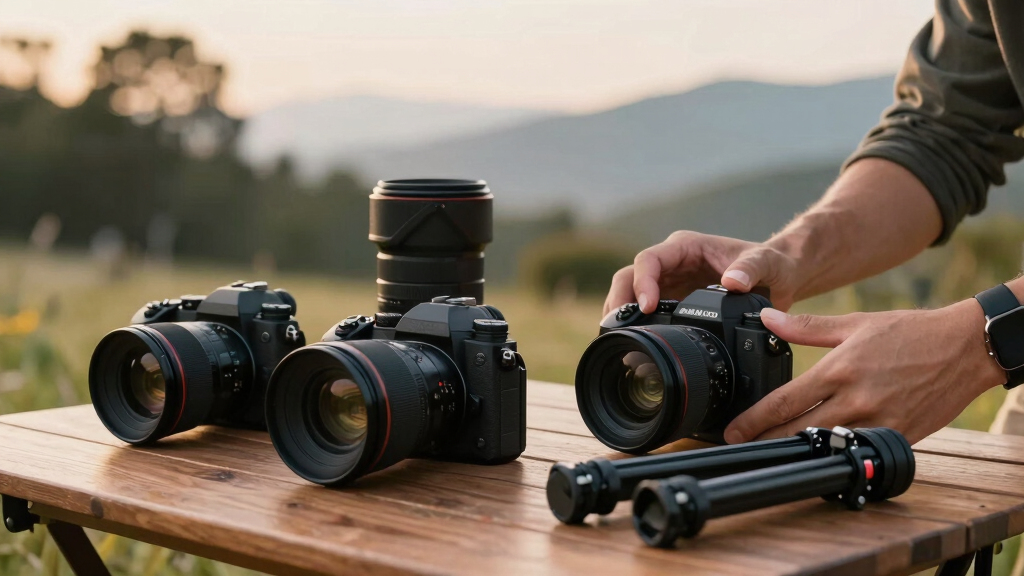
When and Why You Should Use a Cloud-Free System
Cloud-free video automation makes sense if you prioritize privacy, want to avoid recurring costs, or need to work in environments with limited internet. It’s perfect for sensitive projects, internal training videos, or content where ownership matters.
For instance, a government agency can process footage without risking data breaches, or a small business can keep costs predictable without monthly fees. Offline workflows also eliminate latency issues, enabling faster iteration and immediate control over the process. This setup is especially advantageous when internet connectivity is unreliable or restricted, ensuring uninterrupted productivity. However, it’s not without tradeoffs: offline systems may lack access to the latest AI models or cloud-based integrations, which can limit some advanced features or collaborative workflows. Therefore, choosing between local-only and hybrid/cloud approaches depends on your specific priorities around privacy, collaboration, and feature needs.
Understanding these tradeoffs helps organizations decide whether the increased control and privacy of a cloud-free system outweigh the potential limitations in AI capabilities or real-time collaboration.
Frequently Asked Questions
What exactly does a ‘publishing kit’ include?
A publishing kit bundles all assets needed for distribution: optimized titles, descriptions, clips, thumbnails, transcripts, captions, and social snippets—all generated from your source video.
Does it work fully offline, or does it need the internet?
Most local-first tools can operate entirely offline once installed, processing videos on your hardware without needing internet access, ensuring maximum privacy and control.
What hardware do I need to run this?
A standard high-performance desktop or laptop with decent processing power and storage is enough. No special servers or cloud subscriptions are necessary—just your existing machine.
Are the AI-generated outputs good enough to publish immediately?
While AI can handle most tasks well, a quick review and minor edits are recommended. It speeds up your workflow significantly, but a human eye still ensures quality.
Yes, these assets are standard outputs. The system analyzes your video to produce accurate captions, detailed transcripts, and short clips tailored for social platforms.
Conclusion
Imagine finishing a video and walking away—knowing every asset your audience will see is already drafted, ready to publish, and all without leaving your local machine. That’s the promise of a full publishing kit generated from a single video—fast, private, and in your hands.
This approach doesn’t just save time; it puts you back in control. As privacy concerns grow and workflows demand speed, local tools like ChannelHelm offer a compelling answer: one video, endless assets, zero cloud dependency.
Fall Picks
fall essentials
As an affiliate, we earn on qualifying purchases.